
What it can do
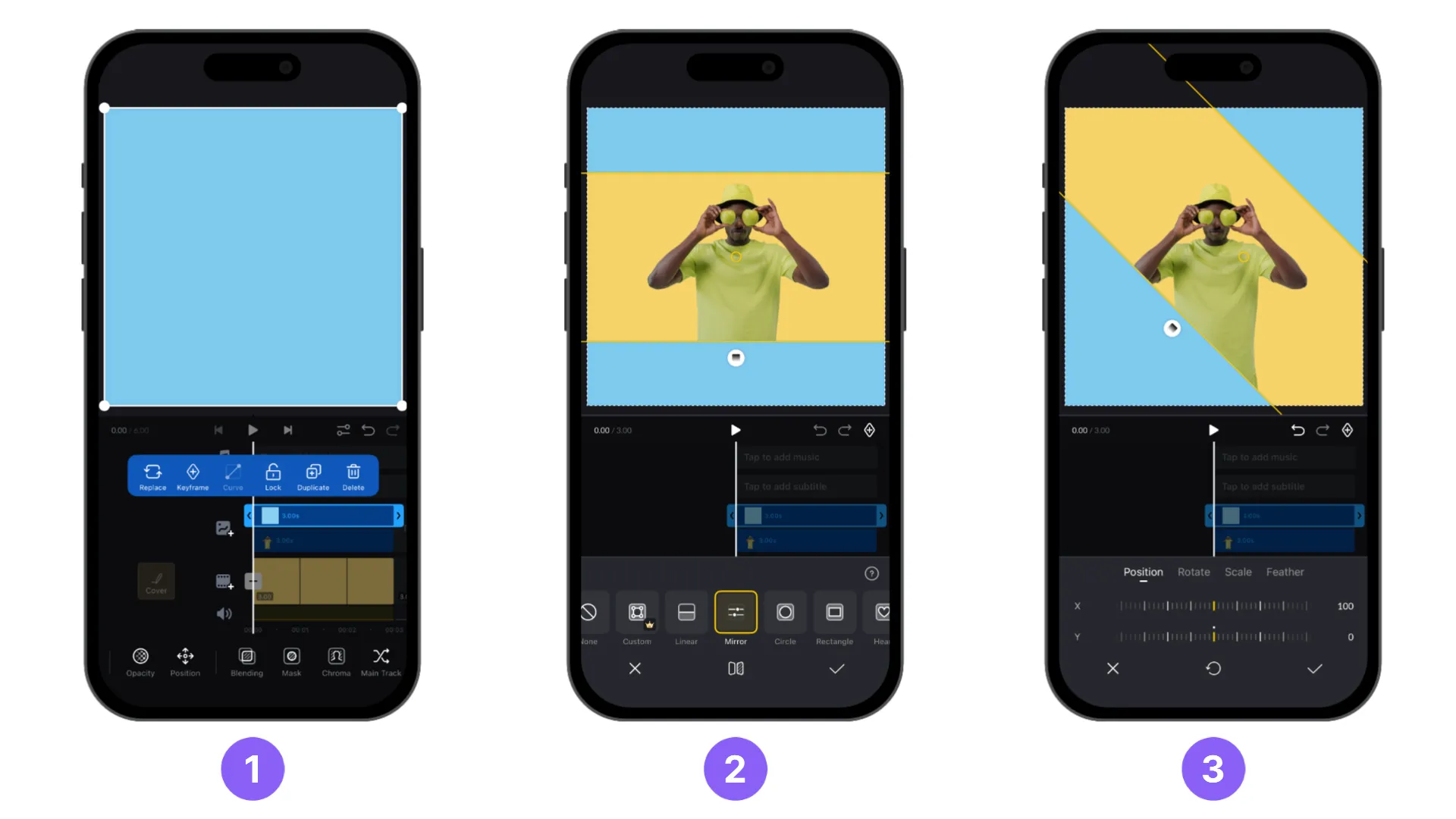
- Editing features include multiple tracks, trimming, speed curves, and keyframes.
- Official listings also describe LUT-based color adjustments, recording, and automatic captions. Confirm availability in your version.
- Store descriptions promote free, watermark-free editing, while also listing VN Pro and credit purchases. Distinguish the free workflow from paid features.
Your first editing workflow
- Start a project with two or three clips or photos.
- Choose 9:16 for a vertical video and adjust clip order and duration.
- Add short captions and audio you have permission to use. Keep motion effects limited in your first project.
- Check resolution and audio levels before export. Review caption timing and placement on your device.
Try this: a small editing project
Use the same footage to make versions with longer and shorter cuts. Compare which one makes the content easier to follow; this is a useful way to explore editing pace.
Before you start
A timeline offers many controls. Finish one project using only cuts, rearrangement, and text first. Check for paid features before exporting.
Free & paid conditions
Free download, with VN Pro and credit purchases listed in official stores. Not every feature is necessarily free; check paid access and prices in your app. [1] [2] [3]
Footage & music licensing
A blanket commercial license for all built-in music was not verified. For client work or monetized posts, use audio whose rights you have checked and distinguish app pricing from music permissions.
Terms in this guide
Official sources
- [1] Official guide or store — apps.apple.com
- [2] Pricing & purchase terms — play.google.com
- [3] Official guide or store — vlognow.me
These introductory guides use official websites and app-store listings. Workflows and practice projects are general examples organized for beginners, rather than hands-on reviews or performance rankings. Confirm features, prices, and OS support for your version and region.